
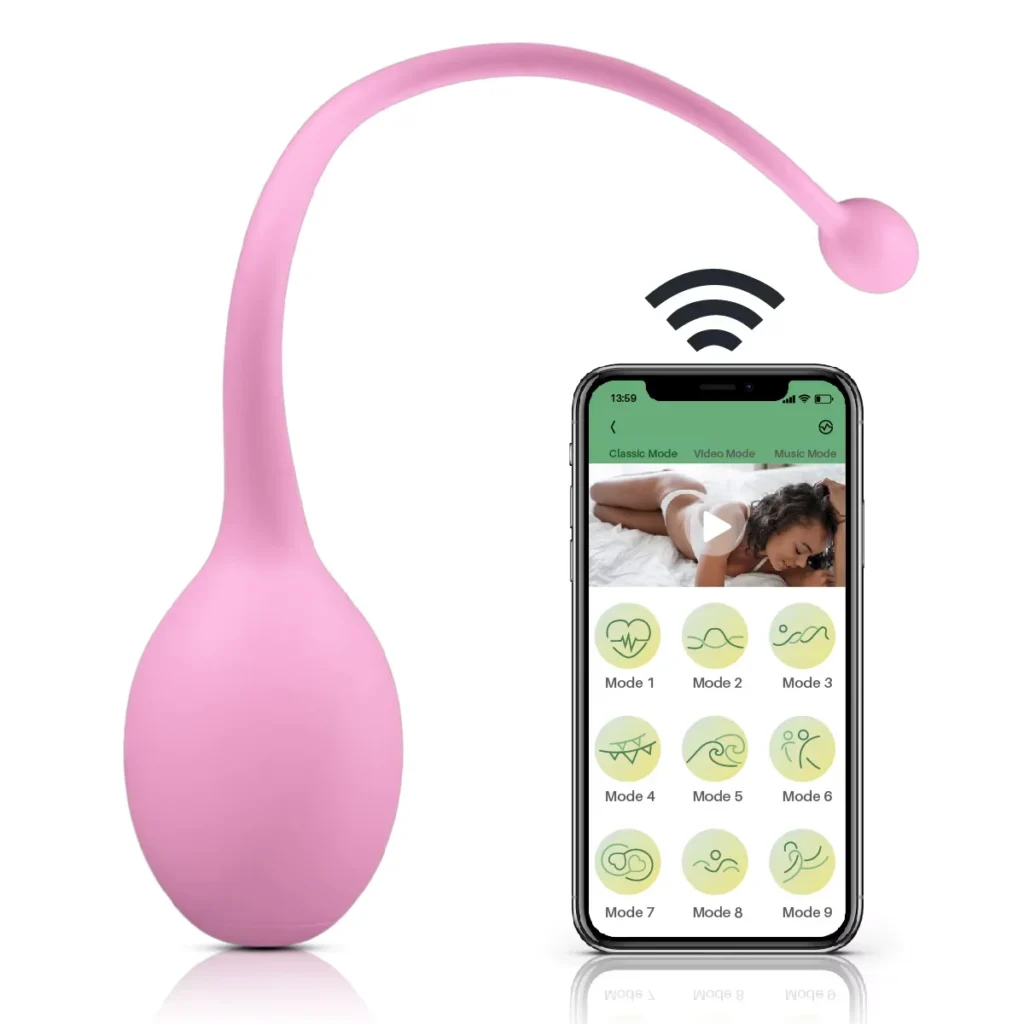
Remote control versus app control is an assortment decision, not a universal ranking of product quality. For a private-label buyer, the useful question is which control experience fits the intended channel, customer, packaging, and after-sales support. Compare the exact hardware and current instructions before choosing a model; a label such as “remote” or “app controlled” does not establish range, compatibility, privacy, or every available function.
Begin with the buyer and the selling channel
A simple, self-contained control path can suit an assortment where quick demonstration, straightforward instructions, and low setup friction matter. An app-controlled option may suit a range built around connected-product features, provided the buyer is ready to explain setup and support the current software experience. Neither route automatically supports a higher retail position. Product form, materials, design, packaging, evidence for claims, and the channel’s audience still determine the offer.
Write a short brief before selecting models: intended user scenario, market and sales channel, planned price position, quantity by model, packaging and language needs, launch date, and who will handle customer questions. Then compare products with the same brief rather than treating a control label as the whole product specification.
Retail Channel
Match the control experience to how the product will be demonstrated, described and supported in the intended channel.
Customer Setup
Review controller power and pairing where applicable; app models add installation and device-connection steps.
After-Sales Support
Prepare current instructions for connection, charging, accessories and the questions buyers may receive after sale.
What changes in setup and use?
A dedicated remote usually asks the user to identify the correct controller, check its power and pairing or connection steps where applicable, and learn its controls. App control adds a phone, installation and device-connection steps, and a need to check the current app and compatible operating environment. Some models may also have buttons on the product, but the available controls must be confirmed for each exact JW-S model.
During sample evaluation, test the complete journey: open the package, identify accessories, follow the supplied instructions, connect or pair, use each documented control, disconnect, reconnect, charge, and store the product. Record the sample version and instructions reviewed. Do not turn one sample’s behavior into a claim about another model.
Remote control vs app-controlled: buyer considerations
| Consideration | Remote Control | App-Controlled |
|---|---|---|
| Setup | Identify the controller, check power and follow any documented pairing steps. | Install the current app and follow the device-connection steps. |
| Customer education | Explain the supplied controller and documented buttons. | Explain current app setup and the confirmed control flow. |
| Compatibility | Confirm the exact-model controller and hardware. | Verify the current supported operating environment and app. |
| After-sales support | Plan for controller, power, accessory and connection questions. | Plan for setup, connection and current software questions. |
| Packaging instructions | Show the supplied controller and documented operating steps. | Use current app instructions and confirmed functions only. |
| Sample review | Test controls, charging and included accessories. | Test app setup, documented controls, charging and accessories. |
Choose examples by product form, not only interface
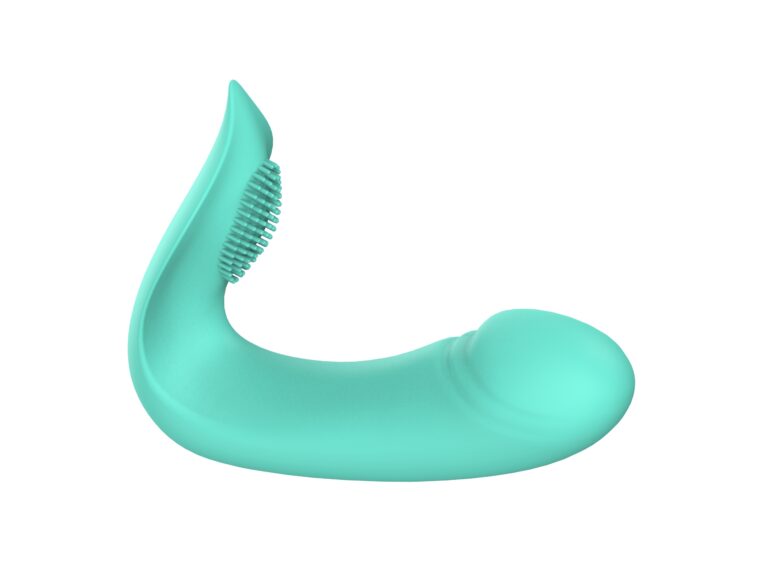
JWELL’s published range includes remote-control examples such as the JW-S55 remote-control suction vibrator and the JW-S72 remote-control wearable vibrator. On the app side, the JW-S25 magnetic app-controlled panty vibrator and JW-S27 app-controlled wearable panty vibrator illustrate distinct product forms. These are comparison starting points, not interchangeable specifications. Browse the App-Controlled & Wearable category for the current published selection.
Shortlist by structure and intended use first. A wearable model, a suction model, and a love egg may solve different assortment needs even when they share a control method. For each shortlisted SKU, request its own function list, material and dimensions, charging details, package contents, current instructions, and available branding options.
Relevant JWELL Models
Evaluate the commercial workload
Remote control can reduce the need to explain an app workflow, but it still requires clear instructions, controller identification, battery or charging information, and a reliable accessory count. App control can add a different experience, but the buyer should budget time to review setup, current compatibility information, manual wording, and support responsibilities. Avoid unsupported promises about signal range, phone compatibility, security, privacy, or continued app features.
For a mixed assortment, consider whether shoppers can distinguish the two control routes at a glance. Consistent model naming and packaging hierarchy can help, while the front panel and quick-start instructions should describe only confirmed functions. Decide whether the lineup needs both routes or whether one clear control story is more useful for the initial launch.
Plan private-label packaging and support together
Agree on the exact model, control version, included accessories, logo placement, color options, packaging structure, manual languages, labels, and artwork responsibility before approving print files. Show the actual supplied controller or current app instructions where imagery is used. For app-controlled products, determine who maintains setup wording and who handles customer questions about connection. For remote products, make the controller’s role and any documented pairing steps equally clear.
A logo and printed package are not the same as changing electronics or software. If the project asks for altered control behavior, components, functions, or structure, request a separate feasibility and development review. JWELL’s Private Label service page explains how to scope branding and development work. Confirm product-specific MOQ and any customization thresholds separately in the quotation; do not infer one from the other.
Use samples to make the final choice
Order exact-model samples for the finalists and give reviewers the same tasks. Record setup time qualitatively, clarity of instructions, response to documented controls, charging and accessories, product finish, packaging protection, and any questions likely to reach customer service. The Product Sample Evaluation Checklist provides a reusable review structure.
Choose the route that fits the target user and your team’s ability to describe and support it. A remote-led range may be commercially useful when the priority is an immediately understandable control format. An app-led range may be useful when a connected experience is central to the brand and the buyer can maintain accurate setup information. A carefully chosen mix can cover distinct user scenarios, but only if each SKU has its own approved claims and support material.
To compare real models rather than generic control labels, request product samples with the JW-S model numbers, destination, quantity, and private-label brief. JWELL can then confirm the current configuration and quotation inputs for each model.
Check Before Ordering
- Confirm the exact JW-S model, sample version and available control methods.
- Test setup, connection, documented functions, charging and included accessories on each sample.
- Approve current instructions and model-specific retail claims before artwork is printed.
- Separate product MOQ from branding, packaging and development requirements in the quote.